Sometimes we encounter memory threshold issues while querying data in Appian. Why does this happen, and what are the best practices to avoid it?
Answer
Why the memory threshold error happens
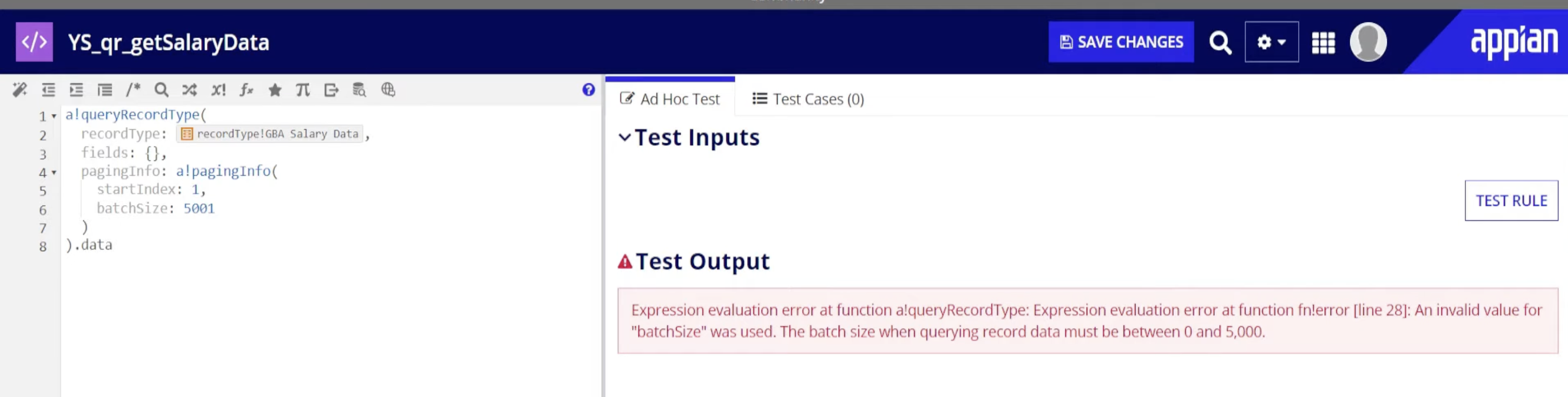
Appian caps how much memory one query result may use while it converts database rows into Appian values. The cap protects the application server heap. When a query returns too much data, too many columns or too many rows, Appian stops the operation and throws the memory threshold error.
You hit it most often when pulling a whole table or a very large result without filters or paging. The database can return a million rows; Appian will not load them into memory at once.
The message looks like Memory threshold reached during output conversion (threshold: 1,048,576 bytes), which tells you the default limit of about 1 MB was reached while converting the result.
How to avoid it
1. Page the results
Use a!pagingInfo() with a batchSize so each call returns a bounded number of rows.
Each call loads at most 200 rows.
2. Return only the columns you need
Instead of the full CDT, name the required fields in a querySelection or in the record type query. Fewer columns means less data in memory.
3. Filter the query
Add filters so the result is the subset the caller needs rather than an unbounded set.