Question
How would you validate the extension of file which could be applicable for all Appian objects or entire application?
A
Anonymous
December 17, 2025
69
Answer
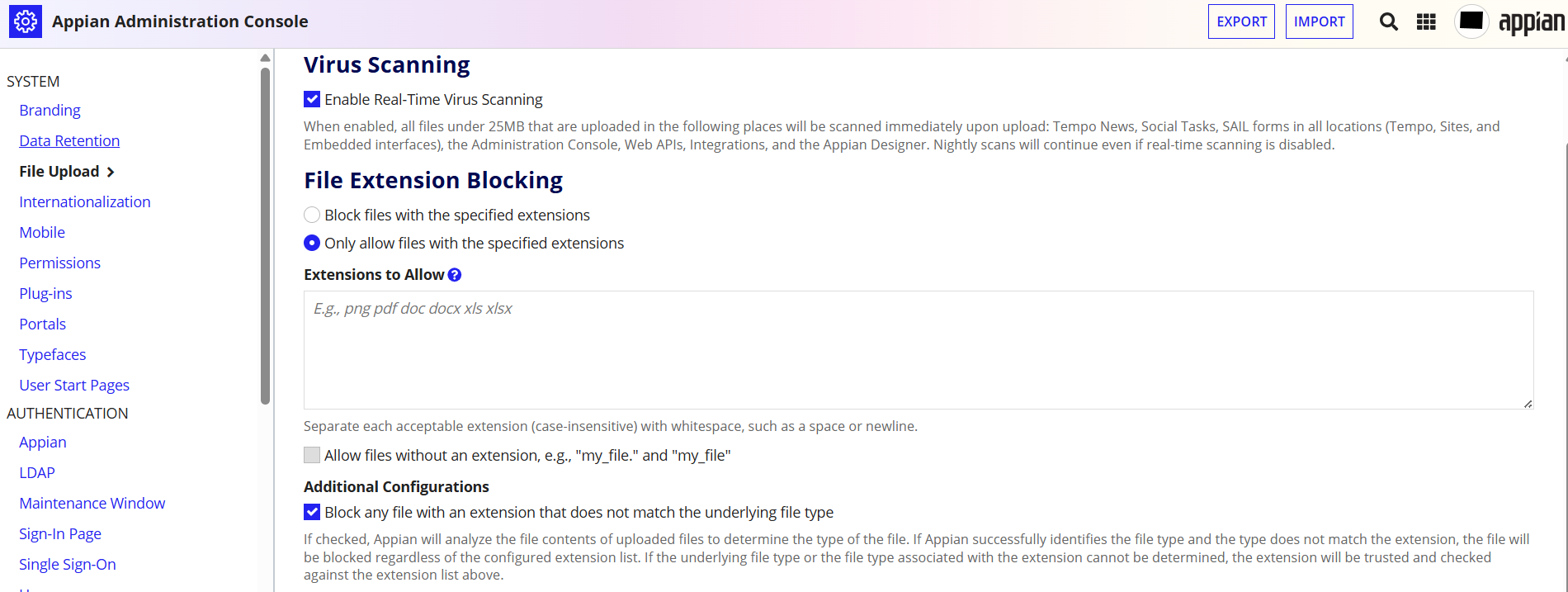
In Appian, the primary way to validate file extensions across an entire application is by using the file upload in the Administration Console
- Navigate to the Admin Console: Access the "Appian Administration Console" from the settings menu.
- Configure File Upload Settings: Within the console, you can manage "File Upload" settings to define which file extensions are permitted or blocked.
- Enable File Type Verification: Toggle on the checkbox labeled "Block any file with an extension that does not match the underlying file type".
JuniorSeniorAdmin Console
Loading comments...